









.png)




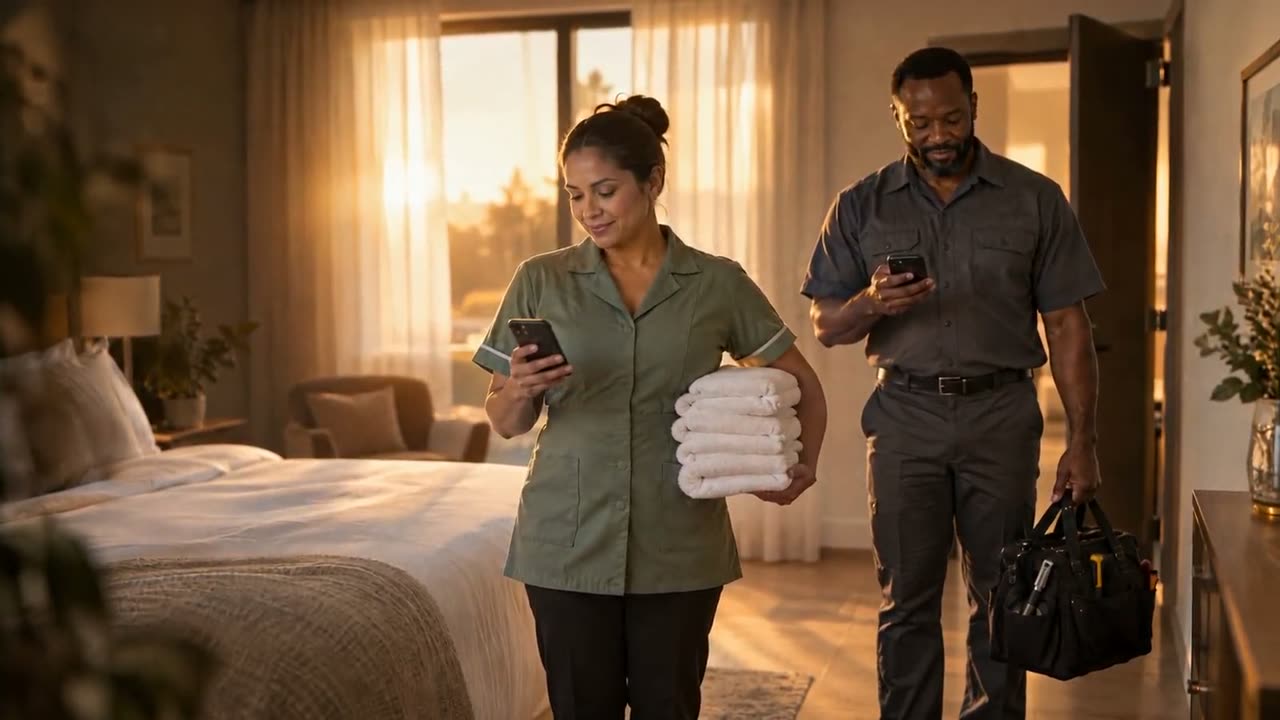
Without SuiteOp6:45 AM

For service companies
Every client. One schedule.
Clients’ jobs in one queue, and your team’s hours add up to pay.
11 of AirDNA’s top-rated US property managers run on SuiteOp, including 3 of the top 10.
 AirDNA rank #8
 AirDNA rank #70





Cleans and repairs. Four clients, four systems.
With SuiteOp6:45 AM
Without SuiteOp8:12 AM
With SuiteOp8:12 AM
Without SuiteOp11:15 AM
With SuiteOp11:15 AM
Without SuiteOp1:30 PM
With SuiteOp1:30 PM
Without SuiteOp3:00 PM
With SuiteOp3:00 PM
Without SuiteOp6:00 PM
With SuiteOp6:00 PM
From job request to payday.
Clients’ jobs feed your team. Proof and costs flow back.
Accepted jobs go to the right person.
Auto-assign by area, skill, time off and hours.
Explore Field OperationsEvery client’s jobs. One queue.
Clients connect once. Their jobs land here to accept or decline.
Every job, handled. Clients, team, proof and pay.
Tap any card to see what it runs on.
Clients
- Runs onField Operations
- Runs onField Operations
- Runs onField Operations
Team
- Runs onField Operations
- Runs onSmart Devices
- Runs onReporting
Proof
- Runs onField Operations
- Runs onField Operations
Pay
- Runs onField Operations
- Runs onField Operations
- Runs onField Operations
Questions operators ask
Anything else? We’ll walk a real job from a client’s request to your team’s pay.
We’ll walk a job from request to pay.
Talk to our teamIs it for cleaning or maintenance companies?
Both. Turnover cleaners, handymen, plumbers, HVAC, pool and landscaping companies all work the same way: jobs arrive from each client, your team does them, and the proof and the hours flow back.
Do my clients need to use SuiteOp?
Yes. A property manager invites your company from their SuiteOp account and chooses which properties to share. You accept the invite once, and their jobs start arriving in your queue.
Do I have to take every job?
No. Jobs a client sends for review wait for you to accept or decline, with a reason. Clients who prefer can have jobs accepted automatically, and if plans change after you accept, you can return a job.
Whose checklist does my team follow?
The client’s. Each job arrives with that client’s checklist and photo steps, and your team can add items of its own. Photos, comments and reported issues go back to the client on the job.
How do I pay my team?
Give each person a pay model: hourly, per job or salaried. Your team clocks in and out in the app, you approve timesheets in one place, then export them to CSV for your payroll provider.
How do clients pay us?
Each client sets your price, per job or per hour. What’s owed is fixed when a job is completed and paid out in pay runs to your payout account. Pay runs are available in the US.
How does my team get in?
If the client allows entry, the assigned person can unlock the home’s connected door from their phone during the job’s entry window.