







.png)



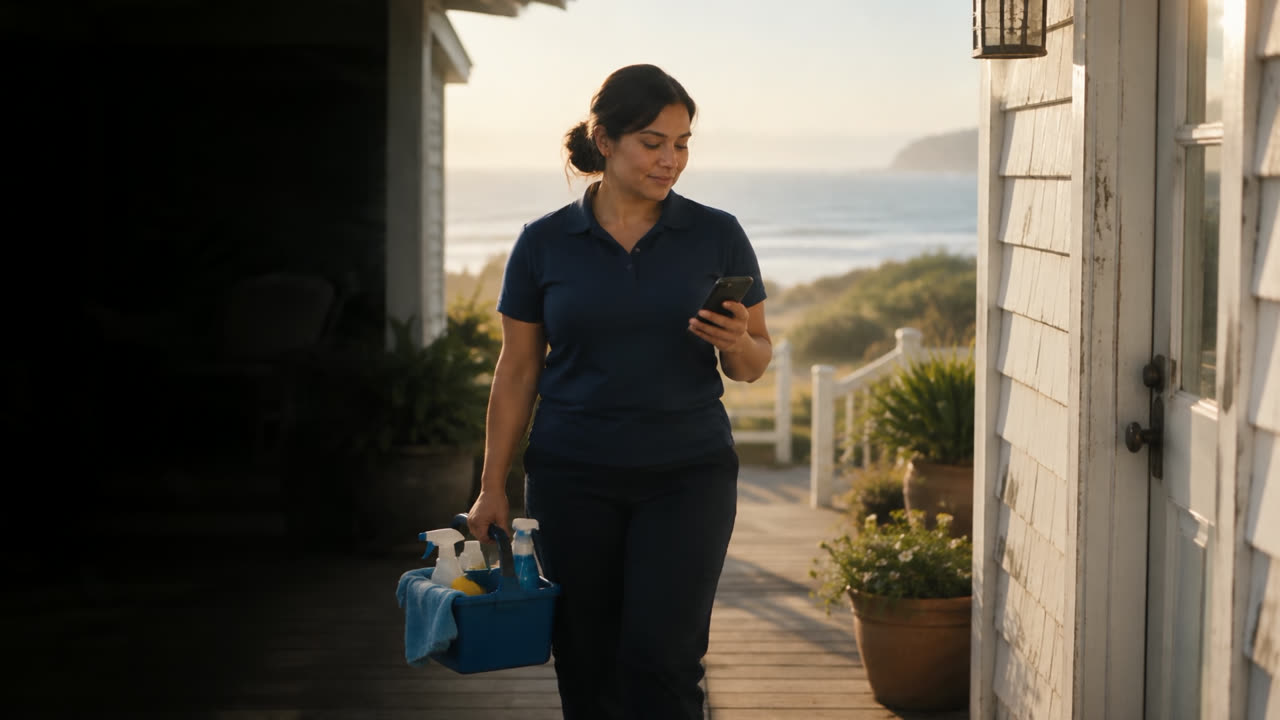
Without SuiteOp6:30 AM

For field ops teams
Tasks dispatched, checked and closed.
Built from every booking, photo-checked, ending on an approved timesheet.
11 of AirDNA’s top-rated US property managers run on SuiteOp, including 3 of the top 10.
 AirDNA rank #8
 AirDNA rank #70





Twenty tasks, one lead. And a team on the road.
With SuiteOp6:30 AM
Without SuiteOp9:45 AM
With SuiteOp9:45 AM
Without SuiteOp11:30 AM
With SuiteOp11:30 AM
Without SuiteOp2:15 PM
With SuiteOp2:15 PM
Without SuiteOpFriday
With SuiteOpFriday
From check-out to closed, without chasing anyone.
Tasks built, assigned and checked, and hours ready to approve.
The day’s work builds itself.
Built from bookings; they move with the stay.
Explore Field OperationsWhat field teams got back.
 Automation48 hrsof manual coordination recaptured every week, once requests stopped going through the team by handof manual coordination recaptured every week273 properties · Colorado SpringsRead story
 Operations3 → 1disconnected tools replaced by one platform across housekeeping, maintenance and guest experiencetools replaced by one platform, housekeeping included205 properties · ColoradoRead story
 Staff safetyZerosafety incidents since launch, with separate door codes for cleaners and guestssafety incidents, with separate cleaner door codes140 properties · PittsburghRead story


Every job, handled. Dispatch to timesheet.
Tap any card to see what it runs on.
Dispatch
- Runs onField Operations
- Runs onField Operations
- Runs onField Operations
Do the work
- Runs onField Operations
- Runs onField Operations
- Runs onField Operations
Check
- Runs onField Operations
- Runs onField Operations
- Runs onField Operations
Close
- Runs onField Operations
- Runs onReporting
Property readiness
Know what’s guest-ready at a glance.
Every finished clean updates what’s ready.
Every clean and inspection updates the unit’s status, so you can see what’s ready for tonight’s arrivals.
Questions operators ask
Anything else? We’ll dispatch a day of turnovers across your own properties.
We’ll dispatch a day of turnovers across your properties.
Talk to our teamHow does auto-assign decide who gets a task?
It only considers people who cover that property, are in the right department, have the skill the task needs and are working that day, without going over their daily hours cap. Of those, whoever has the fewest hours booked gets it, and ties go to the person closest to their other jobs. It runs when a task is created, or when you press Auto-assign.
Does the staff app work without signal?
Yes. My tasks, the task itself with its checklist and photos, clocking in and out, the schedule and the property card all work offline. Everything syncs when the phone is back online.
What does the AI photo check look at?
You write what a photo step should show, like “bed made, four pillows”. Opal compares each required photo with it and returns AI verified or AI flagged with a reason. Flags go to a manager to review and the cleaner can retake the photo. It checks photos, not video.
Can contractors work without an account?
Yes. Send a contractor a link to the task and they can complete its checklist from their phone. Owners get a view-only link to the same task. You can revoke either one at any time.
How do hours get to payroll?
Each person is on a pay model: hourly, per task flat, per task hourly or salaried. Hourly clocked time lands on a timesheet per pay period; timesheets with nothing unusual are auto-cleared. You approve in Costs & Approvals and export a CSV for your payroll provider.
Which languages is the staff app in?
Twenty, so each cleaner, inspector and technician can use it in their own language while you manage in yours.
A field team that runs itself.
A day of your turnovers, dispatched and closed, in 30 minutes.