









.png)



Smart locks & devices
Yale Access + SuiteOp: Guest PINs Installed and Cleared for You
Yale Access locks with a Connect bridge or Wi-Fi bring your doors online through Yale's cloud. SuiteOp installs a unique PIN for each guest as the stay begins, deletes it as the stay ends and keeps 3 backup codes on every lock, while live bridge and battery warnings from Yale keep your team a step ahead.

Official Yale Access API · Live
WHAT SUITEOP DOES
Why SuiteOp + Yale Access
Tap a feature to see each one.
FEATURE 1 OF 3
A PIN for Every Guest
SuiteOp installs each guest's PIN when the stay window opens and deletes it when it closes. Every stay gets its own code, and your team stops sharing or resetting codes by hand.
FEATURE 2 OF 3
Every Door, From Your Phone
Lock or unlock any Yale Access lock from the SuiteOp web or mobile app. Your team can secure a unit or let someone in without a trip to the property.
FEATURE 3 OF 3
Live Warnings From Yale
Yale sends bridge offline and battery warnings to SuiteOp live. Your team gets one alert per outage and a low battery alert under 30%, with time to act before the next guest.
- Official Yale Access API
- 3 backup codes per lock
- Remote lock and unlock
- Live bridge alerts
WHAT IT LOOKS LIKE
SuiteOp and Yale Access in practice
Your unit access code is 4829.
You can set this up yourself in the SuiteOp app by signing in with your Yale Access account. SuiteOp sends codes to locks with a Connect bridge and to Yale Wi-Fi models.
Integrated Yale Access devices
9 devices
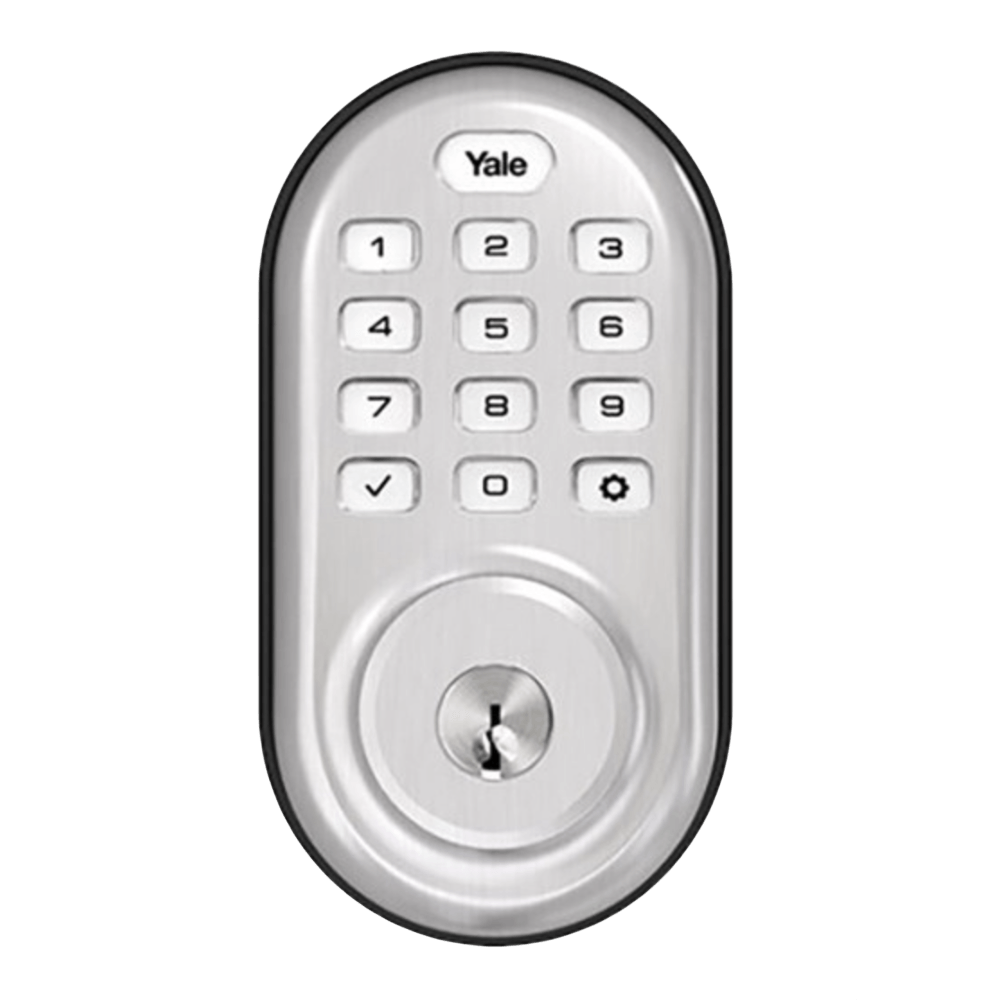 Yale Assure KeypadLive
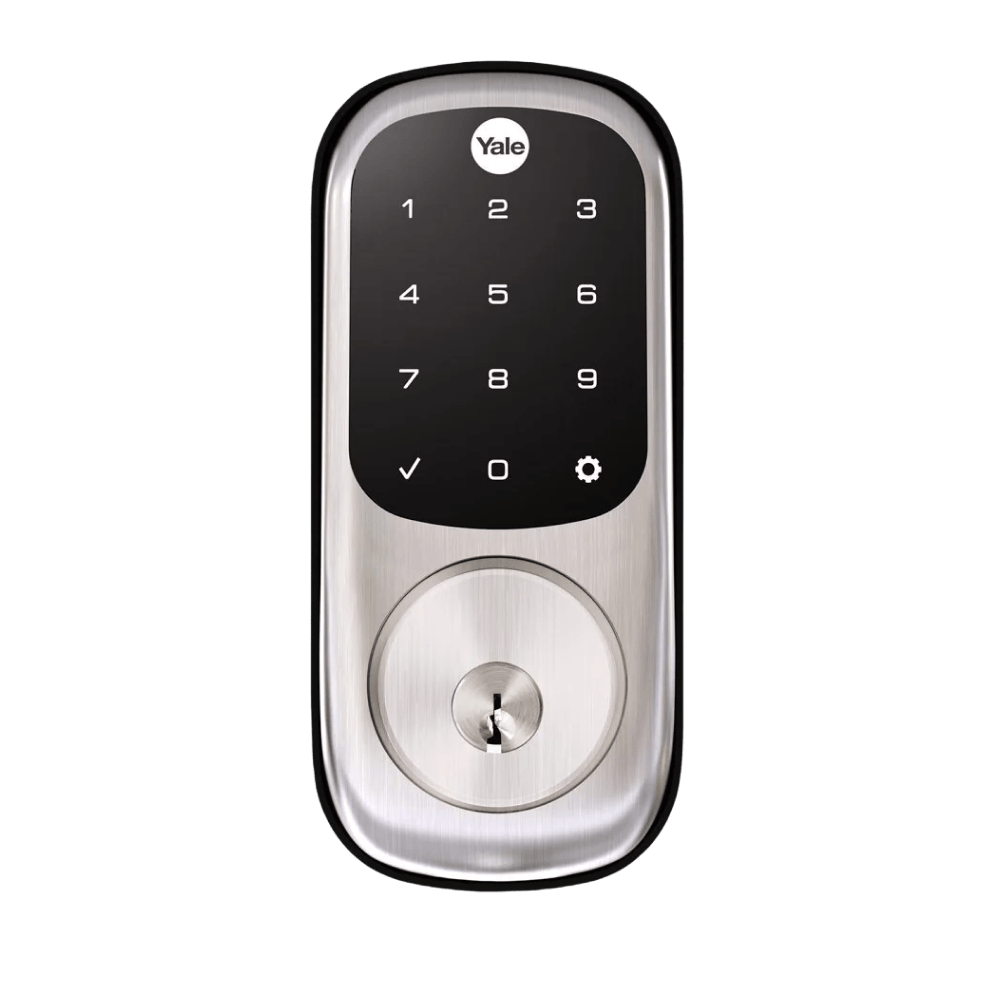 Yale Assure TouchscreenLive
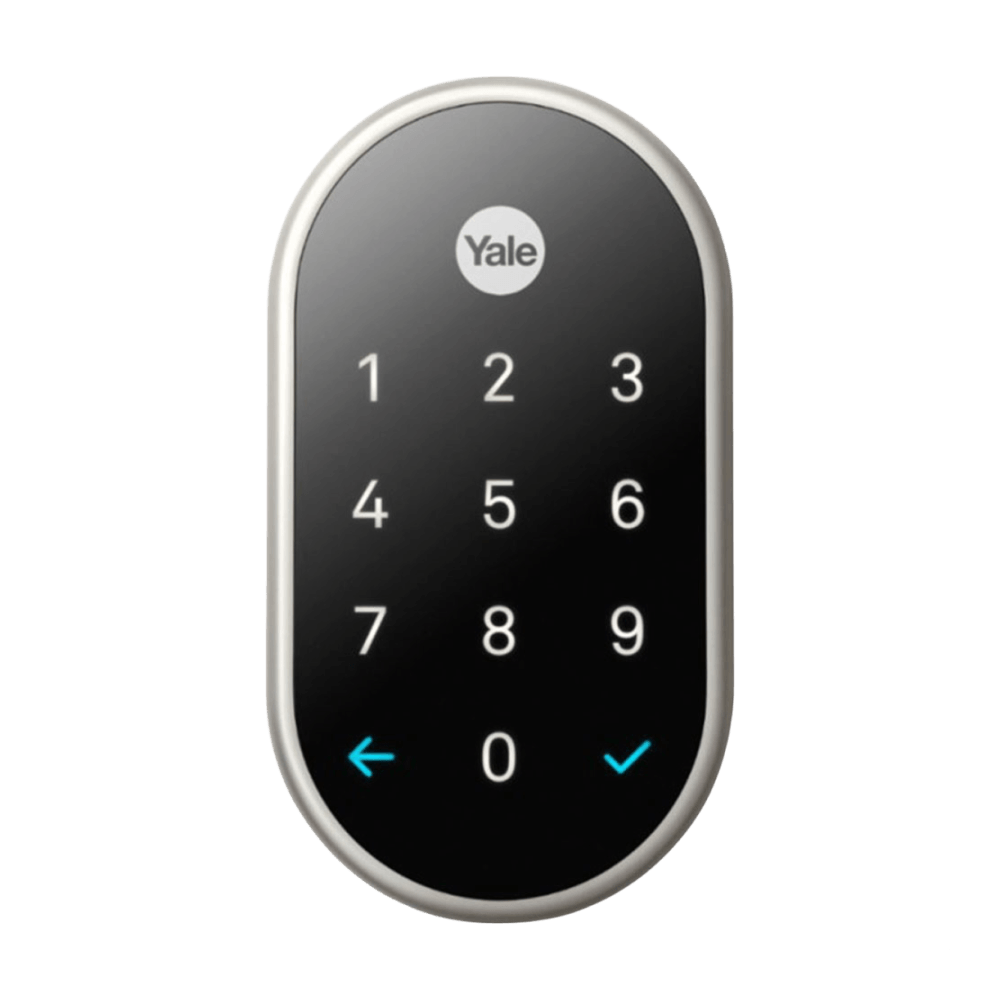 Nest x YaleLive
 Assure Lever Touchscreen with Wi-Fi and BluetoothLive
 Assure Lock 2 Keyed touchscreenLive
 Assure Lock 2 touchscreenLive
 Assure Lock Touchscreen with Z-Wave PlusLive
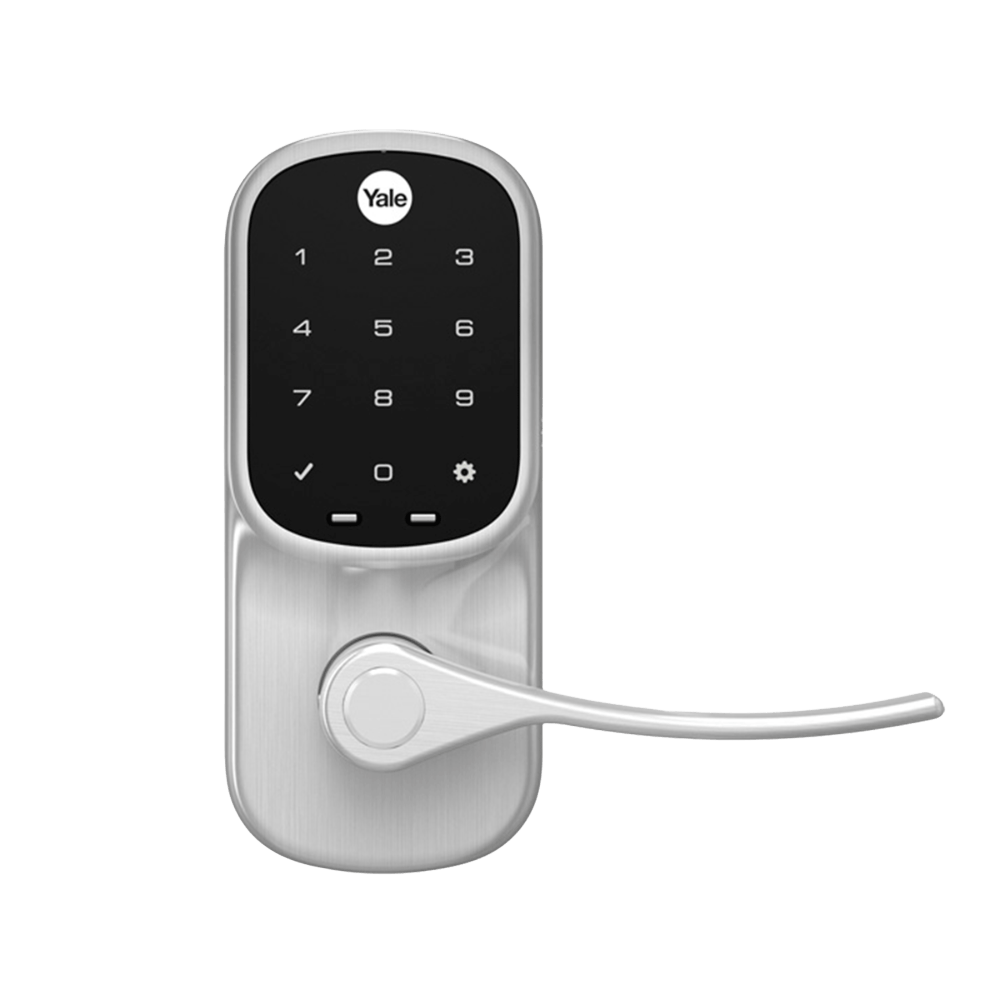 Assure LeverLive
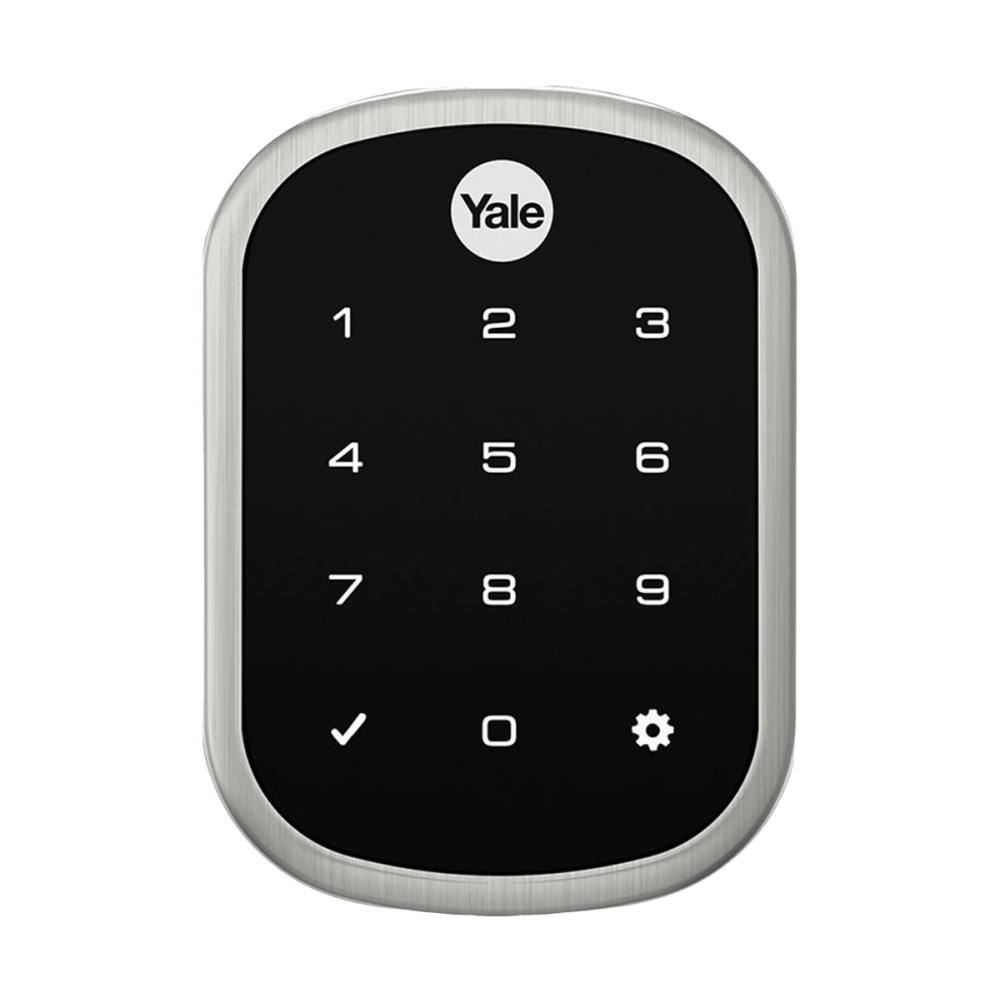 Assure SLLive
FAQ
Questions about SuiteOp + Yale Access
Can't find the answer? A specialist will walk you through it on a call.
Talk to salesDoes SuiteOp integrate with Yale Access?
Yes. SuiteOp connects directly to Yale's cloud and works with Yale Access locks that have a Connect bridge or are Wi-Fi models.
Yale Access or Yale Home: which do I connect?
Choose Yale Access for locks in the Yale Access app, and Yale Home for locks in the Yale Home app.
Can guests get a backup code?
Yes. SuiteOp keeps 3 backup codes on each lock, and guests can get one from their portal whenever they need it.
How do I connect Yale Access to SuiteOp?
You can set it up yourself in a few clicks. Sign in with your Yale Access account in SuiteOp and approve access.
Does my earlier Yale connection still work?
Yes. Locks you connected the older way keep working.
Related integrations
All integrations LiveGuestyGuesty and SuiteOp stay in sync both ways, from door codes and portal links to live messages, reviews and GuestyPay.View integration
 LiveHostawayLive Hostaway messages and reviews in SuiteOp, with door codes, dates, guest details and portal links written back.View integration
 LiveHospitableEvery Hospitable conversation in one SuiteOp inbox, with replies and door codes sent back through Hospitable.View integration
 LiveYale HomeLocks in the Yale Home app get a unique code per stay, with automatic backups and remote lock and unlock.View integration

Live in weeks, not months
The future of hospitality operations starts with SuiteOp.
See how operators verify every guest, automate every turnover and grow revenue per stay, all from one platform. We'll tailor the walkthrough to your portfolio.
- Built for 10 to 10,000 units
- Tailored to your portfolio
- Free migration from your current tool