









.png)



Monitoring
Short-Term Rental Noise & Property Monitoring. Catch it before anyone complains.
Noise, temperature and camera alerts for every unit, 24/7.
11 of AirDNA’s top-rated US property managers run on SuiteOp, including 3 of the top 10.
 AirDNA rank #8
 AirDNA rank #70






Every unit, watched around the clock.
Sensors and cameras in one place, alerting only on what matters.
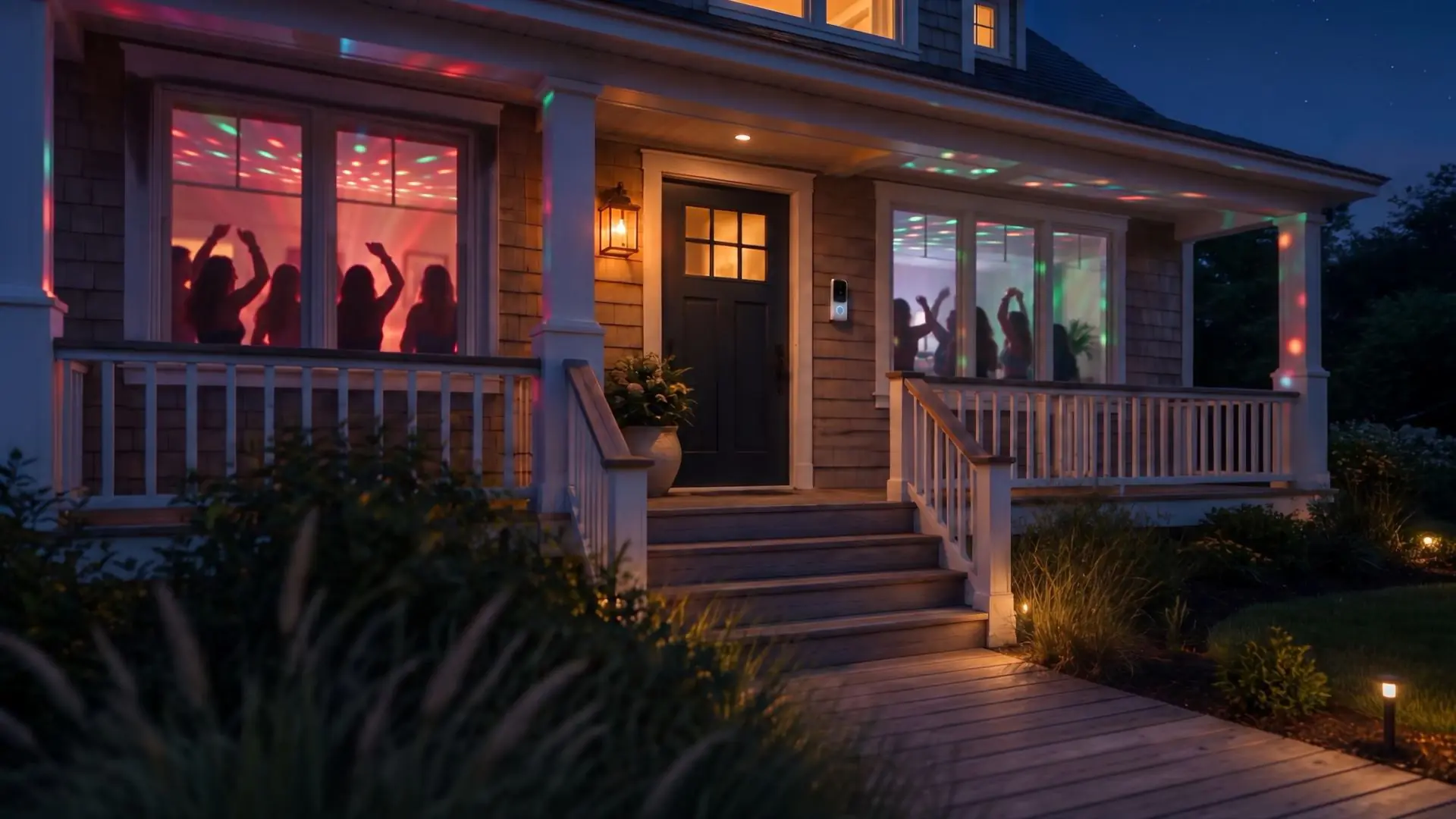
A party, caught in its first ten minutes.
Quiet hours and a Max dB per unit, with warnings that escalate.
Handled in the background.Your team hears only if it won’t stop.
During quiet hours, SuiteOp messages the guest at 10 minutes and notes it on the reservation. If the noise keeps going, your team is warned at 30 minutes, and whoever is on call at 50.
At 10 minutes, the guest gets a message and the reservation gets a note.
Playbooks
Turn any alert into the next step.
Every alert can start a Playbook.
Every sensor, camera and device alert can start a Playbook: text the person on call, open a task, adjust the thermostat or ask Opal to write it up.
Pick a trigger
Every unit, one view
Every alert across the portfolio, in one list.
Filter by type or group, with the full history a tap away.
Noise, temperature, air and device alerts from every unit, filtered by type or group, with the full history one click away. It’s the same view operators use across thousands of units.
Privacy
Private by design.
What sensors measure, and who gets to see it.
What the sensors measure, and who gets to see it.
Questions operators ask
Anything else? We’ll walk you through monitoring on one of your own properties.
We’ll show it on one of your own properties.
Talk to our teamWhat does SuiteOp monitor?
Noise, temperature, humidity and CO₂ from Netatmo sensors; people, vehicles, motion and doorbell presses from Ring and UniFi Protect cameras; and the connection and battery of every lock, sensor, thermostat and camera you connect.
Does it record what guests say?
No. Noise sensors measure volume in decibels, about every five minutes. They do not and cannot record audio, voices or conversations.
What happens when a party starts?
During quiet hours, once noise has stayed above your Max dB for 10 minutes, the guest gets a message and a note goes on the reservation. If it keeps going, your team is warned at 30 minutes and again at 50, by app, text, email or Slack, until it has been quiet for 30 minutes.
Where should cameras go?
On entries, driveways and other exterior areas. Cameras and sensors are never shown to guests in their Portal; they stay private to your team, with clips kept for 180 days.
Which devices work with it?
Netatmo for noise, temperature, humidity and CO₂, and Ring and UniFi Protect for cameras. See Smart Devices for every supported brand and how setup works.
Can an alert start other work?
Yes. Any alert can start a Playbook: text whoever is on call, create a task, post to Slack, or ask Opal to look into it.
Works with the rest of SuiteOp
- Smart DevicesEvery supported sensor, camera, lock and thermostat, and how setup works.
- AI AgentsOpal picks up an alert in a Playbook and works out the next step.
- VerificationScreen guests before the stay, so fewer parties start at all.
- Field OperationsA noise alert can open a task for the morning turnover.