





.png)




How to Secure Short-Term Rental Devices: A Two-Layered Security Strategy for 2026
Learn how to protect your short-term rental technology infrastructure with a two-layered security approach combining operational automation and Unified Endpoint Management (UEM) to prevent guest tampering, data breaches, and IoT vulnerabilities.
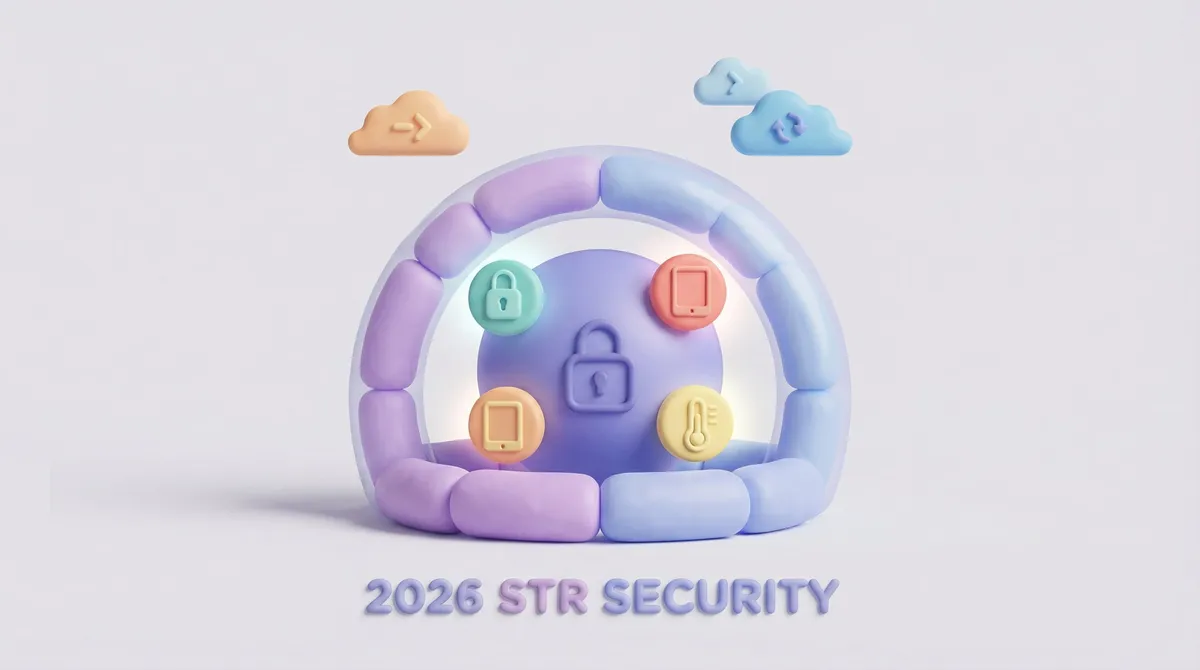
The short answer: Effective short-term rental device security requires a two-layered approach: operational automation and hardware hardening. Implement a robust Unified Endpoint Management (UEM) strategy to lock guest tablets in kiosk mode and secure staff devices, ensuring your operational software runs without interruption or interference.
The Vulnerability of Unsecured Smart Hardware
As we move toward 2026, the concept of a "secure property" has shifted from deadbolts to digital perimeters. While you may have secured your entry points with smart locks, the devices controlling them often represent a gaping security hole. Industry projections indicate that by 2026, the average connected rental property will house over 20 distinct IoT endpoints, significantly widening the attack surface for bad actors.
Most Directors of Operations face three critical risks when deploying technology without a protective layer:
- Guest Interference: Guests logging out of your property guide to browse the web, effectively turning a $300 amenity into a personal toy and disabling your communication channel.
- Data Leakage via BYOD: Housekeeping staff accessing sensitive access codes on personal, unencrypted smartphones that could be lost or compromised.
- Update Paralysis: The inability to push critical security patches to devices across distributed locations, leaving networks exposed to known vulnerabilities.
Layer 1: The Operational Brain (SuiteOp)
Your operations rely on software to make decisions. This is the "brain" of your rental. Smart Devices manages your smart locks and thermostats, ensuring codes are generated and temperatures are regulated. Portals serves as the guest interface, providing check-in details and house manuals.
However, software is only as secure as the hardware it runs on. If a guest factory-resets the tablet running Portals, your upsell revenue and guide information vanish. If a cleaner's phone is hacked, the access codes in Operations could be compromised. This is where the second layer becomes non-negotiable.
Layer 2: The Bodyguard (UEM Strategy)
To protect the "brain," you need a "bodyguard." This comes in the form of a UEM Solution. Unified Endpoint Management allows you to remotely control, update, and secure the physical devices deployed in your units and held by your staff.
Locking Down Guest Facing Tech
When you deploy tablets for the guest experience, they must be strictly controlled. By utilizing a UEM to enforce "Kiosk Mode," you ensure that the tablet can only display the Portals application. This prevents guests from tampering with device settings, accessing the broader internet, or downloading malicious apps that could sniff out network traffic. It guarantees that your digital guidebook remains the focal point of the device, 100% of the time.
Securing Staff BYOD (Bring Your Own Device)
For operations teams relying on personal devices to access Operations for cleaning checklists, the risk is higher. A robust security policy involves "containerization." This technology separates corporate data from personal data on a staff member's phone. If a staff member leaves your employment, you can remotely wipe only the corporate container (removing access to SuiteOp data) without affecting their personal photos or contacts. Security analysts forecast that by 2026, 75% of hospitality businesses will mandate containerization for BYOD to mitigate data breach liability.
Comparison: Unmanaged vs. Managed Device Ops
The difference between a manual approach and a secured infrastructure is operational continuity.
- App Updates: Driving to properties to update apps manually vs. Pushing OTA (Over-the-Air) updates instantly to 500+ devices.
- Device Theft: losing hardware and data vs. Remotely bricking the device and wiping sensitive Verification data immediately.
- Guest Usage: Guests changing Wi-Fi settings and disconnecting smart hubs vs. Hardened settings that prevent tampering.
- Wi-Fi Security: Staff and guests sharing one network vs. Automating dynamic VLAN assignments.
Risk Assessment and Prevention
Ignoring device security is no longer an option. A compromised thermostat gateway can allow entry to your entire network, potentially affecting Monitoring devices and blinding you to party events. By pairing SuiteOp's automation capabilities with a strict device management policy, you create an invisible perimeter. The software handles the hospitality; the UEM handles the defense.
Ready to Automate Your Operations?Secure your portfolio with the platform that powers smart operations. See how SuiteOp integrates with your hardware stack. Book a demo to see it in action.
Frequently asked questions
What is Unified Endpoint Management (UEM) for short-term rentals?
UEM is software that lets you remotely control, update and secure the physical devices in your units and on your staff's phones. Instead of visiting each property, you manage tablets and phones centrally, push updates, enforce settings and lock or wipe a device if it is lost.
Why should guest tablets run in kiosk mode?
Kiosk mode restricts the tablet to a single app, such as your guest portal. Guests cannot change settings, browse the web, install apps or reset the device, so your digital guidebook and upsells stay available for every stay.
How do I secure staff who use personal phones for work?
Use containerization, which keeps work data separate from personal data on the same phone. If a staff member leaves, you remove only the work container, including access to operational data and lock codes, without touching their personal photos or contacts.
Should guests and smart devices share the same Wi-Fi network?
No. Separate guest traffic from staff and device traffic, for example with dynamic VLAN assignments, so a compromised guest device cannot reach your locks, thermostats or noise sensors.
What are the biggest device security risks in short-term rentals?
Guests tampering with property tablets, sensitive access codes leaking through unmanaged staff phones, and being unable to push security updates to devices spread across many properties. Each one leaves a gap even when the locks themselves are secure.