






.png)



Field Operations
Vacation Rental Housekeeping Software. Every turnover, ready and checked.
Turnovers build from every booking and come back photo-checked.
11 of AirDNA’s top-rated US property managers run on SuiteOp, including 3 of the top 10.
 AirDNA rank #8
 AirDNA rank #70





What turnovers give back, in operators’ own numbers.
- Atomic Stays
 Automation48 hrsof manual coordination recaptured every week, once requests stopped going through the team by handof manual coordination recaptured every weekRead story
 - Renjoy
 Field Operations3 → 1disconnected tools replaced by one platform across housekeeping, maintenance and guest experiencetools replaced by one platform, housekeeping included
 Read story
 - HostWise
 Staff safetyZerosafety incidents since launch, with separate door codes for cleaners and guestssafety incidents, with separate cleaner door codesRead story



From checkout to guest-ready, without a spreadsheet.
Every clean, inspection and repair, timed to the next guest.
Every booking schedules its own turnover.
Cleans build from every booking and move when the stay does.
Run turnovers in the same place as the guest.
One schedule, one staff app and one record of every clean and repair, instead of a cleaning app, a maintenance tracker and a group chat.
One schedule, one app, one record, not three tools and a group chat.
SUITEOP
1 schedule · 1 app · 1 record
- Turnovers from every booking
- Auto-assign & notifications
- Photo-checked checklists
- Issues & maintenance in Triage
Same platform as your Portals and devicesIncluded
Property readiness
Know what’s guest-ready at a glance.
Every finished clean updates what’s ready.
Every clean and inspection updates the unit’s status, so you can see what’s ready for tonight’s arrivals.
Beyond the turnover.
Upkeep, a team app and owner updates.
Planned upkeep, a team app that goes anywhere, and owners kept in the loop.
Preventive maintenance
Recurring upkeep, moved to a vacant day.
A team app that works anywhere
20 languages, and it works without signal.
Costs & approvals
Log costs, then approve in one place.
Pay your team
Clock in and out, then pay or export.
Owners, kept in the loop
A regular report of the work, with photos.
Daily, weekly or monthly upkeep, moved to a vacant day when a guest is in.
In 20 languages, and it keeps working without signal. Everything syncs when you’re back online.
Log labor and materials on the task, then approve them in one place.
Your team clocks in and out on the app. Hours and per-task pay add up to a pay run, or export the timesheets for payroll.
Owners get a regular report of the work done at their property, with photos, without you sending a thing.
Back office
One place for the field and the back office.
Desk work on boards next to the turnovers. No separate Asana, Monday or Trello.
Owner statements, invoices and new-property onboarding sit on boards next to the turnovers, so the whole team works in one place instead of a separate Asana, Monday or Trello.
Questions operators ask
Anything else? We’ll walk you through a turnover built from one of your own properties.
We’ll show you a turnover from one of your own properties.
Talk to our teamHow are cleaning tasks created?
From your reservations. You set a schedule once, for example a clean after every check-out, finished before the next check-in, and SuiteOp creates the task for every stay. If the dates change, the stay moves to another unit or it’s cancelled, the task follows.
How does auto-assignment decide who gets a task?
It only considers people who cover that property, have the skill the task needs and are working that day, then picks whoever has the fewest hours booked. Ties go to the person closest to their other jobs. Approved time off moves their work to someone else.
What does the AI photo check look at?
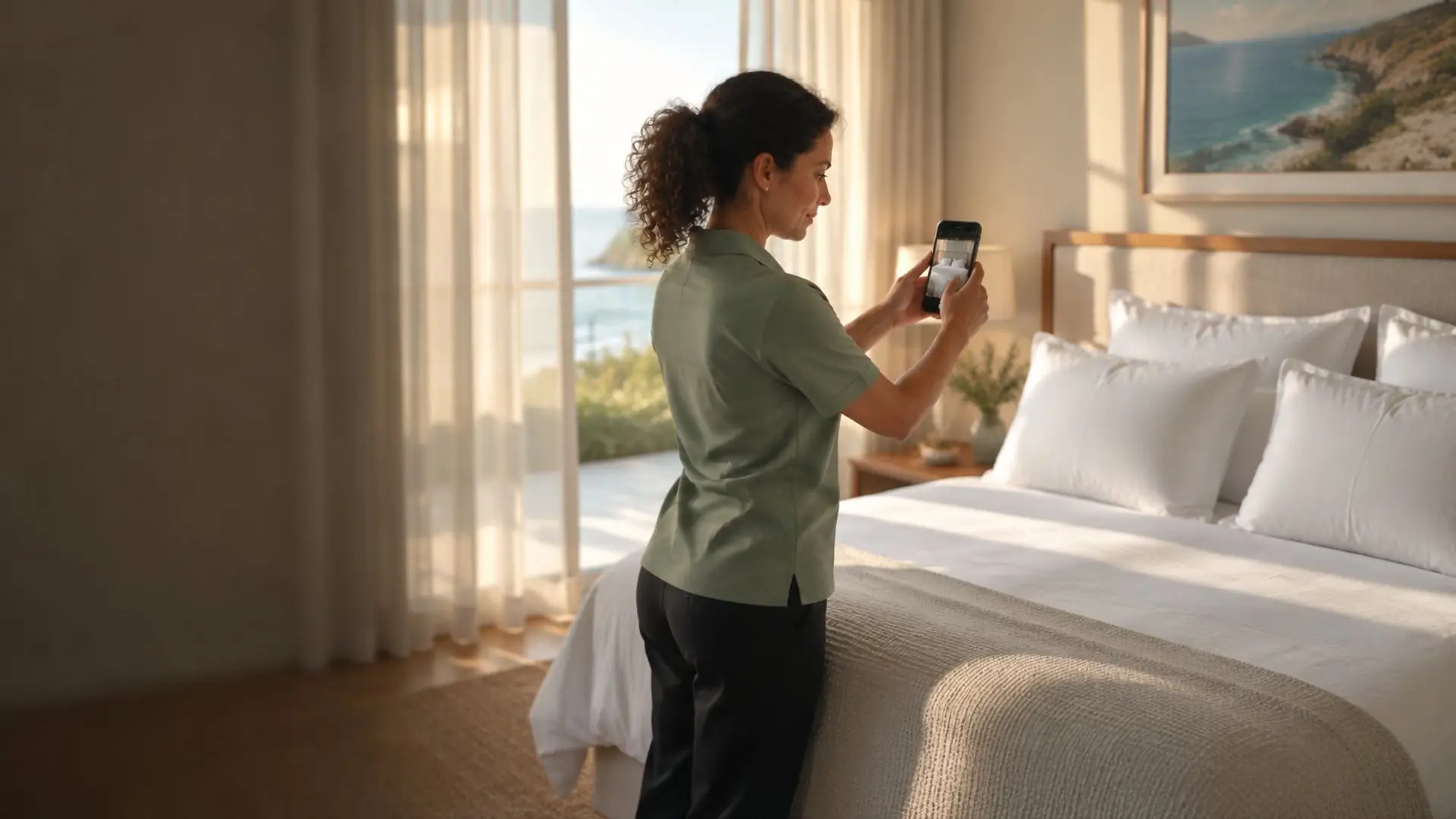
You write what a photo step should show, like “four pillows, bed tightly made”. Opal checks each photo against it and returns a pass or a flag with a reason. Flags go to a manager to review, and the cleaner can retake the photo. It never blocks a cleaner from finishing.
Does the staff app work without signal?
Yes. Checklists, photos and notes save on the phone and sync when it’s back online. The app is in 20 languages, and clocking in can record location.
Can contractors and owners use it without an account?
Yes. Share a task with a contractor through a link that lets them complete the checklist, or with an owner through a view-only link. You can revoke access at any time.
Does it work with my PMS?
SuiteOp has 150+ integrations, including the major PMSs, so reservations, check-in and check-out times flow in automatically and tasks stay in step with them.
Every turnover, guest-ready.
Your own turnovers, scheduled and checked, in 30 minutes.