









.png)




How to Stop Giving Door Codes to Unverified Guests
Learn how to eliminate unauthorized access risks by implementing a 'No ID, No Code' protocol that only releases smart lock credentials after identity verification is complete, protecting your properties from chargebacks and regulatory fines.
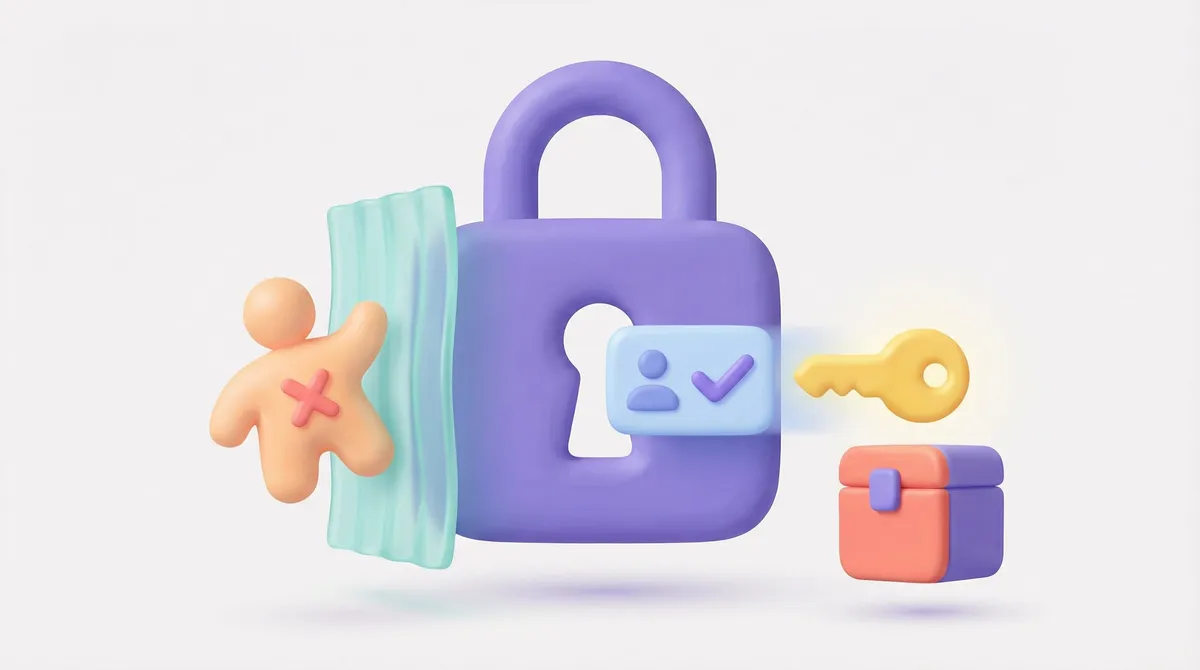
The short answer: Stop emailing access codes upon booking confirmation. Instead, implement a "No ID, No Code" protocol where SuiteConnect only generates and releases smart lock credentials afterSuiteVerify has confirmed the guest's identity and secured a signed rental agreement.
The Vulnerability of Open-Loop Access
Many operations managers still rely on a disconnected workflow: the booking comes in, the PMS sends a welcome email with the door code, and then the team chases the guest for ID. This sequence is backward and dangerous. By the time you realize the ID is fake, expired, or belongs to a local resident flagging high risk, they already have the code.
As of early 2026, the cost of this negligence is rising. Recent data indicates that short-term rental chargebacks categorized as "unauthorized entry" have increased by 18% year-over-year. Furthermore, new municipal regulations in major markets now fine operators up to $2,500 per incident for failing to maintain verified guest registries prior to check-in. The old method of "trust then verify" is no longer a viable operating strategy.
The Logic: If This, Then That
To secure your portfolio, you must treat access as a conditional privilege, not a default right. The workflow requires a strict logic gate that removes human emotion and fatigue from the equation. We call this the "No ID, No Code" protocol.
Here is how to structure this logic using SuiteOp:
- The Trigger: A reservation is confirmed in your PMS.
- The Halt:SuiteConnect acknowledges the booking but holds the code generation. No PIN is created yet.
- The Requirement: The guest receives a link to the SuitePortal, prompting them to complete identity verification.
- The Logic Gate:SuiteVerify scans the government-issued ID and performs biometric facial matching.If ID = Failed/Pending: The workflow remains paused. The guest sees a "Verification Required" status. Access is denied.If ID = Approved AND Agreement = Signed: The workflow advances.
- If ID = Failed/Pending: The workflow remains paused. The guest sees a "Verification Required" status. Access is denied.
- If ID = Approved AND Agreement = Signed: The workflow advances.
- The Action: Only upon the "Approved" signal does the system trigger the smart lock integration to generate a unique PIN and release it to the guest.
Why Manual Review Fails
Ops managers often argue they can screen guests better than software. The math disagrees. Manually cross-referencing a passport scan with a credit card and booking name takes an average of 12-15 minutes per reservation. For a manager with 50 units, that is hours of lost productivity every week, and human eyes miss subtle forgeries that AI detects instantly.
Automating this creates a binary security standard. There are no "judgment calls" made at 11:00 PM on a Friday. The system simply enforces the rule you set.
Manual vs. Automated Access Control
- Code Delivery: Sent immediately upon booking (High Risk) → Sent only after verification (Zero Risk)
- ID Checks: Visual scan by human eye → Biometric analysis and database cross-reference
- Guest Experience: Friction from back-and-forth emails → Instant access upon compliance
- Staff Time: 15 minutes per guest → 0 minutes (automated background process)
Implementing the Protocol
The transition to automated guest identity verification requires integration between your verification engine and your hardware hub. This is where the SuiteOp ecosystem tightens your security posture.
You must configure SuiteConnect to listen specifically for the "Verification Status" field from SuiteVerify. Once enabled, this workflow operates invisibly. Good guests pass through quickly, often completing verification in under 60 seconds on their phone. Bad actors hit a wall, realizing they cannot bypass the identity check to get the code. They usually cancel the booking themselves, saving you the confrontation.
Secure operations require hard boundaries. Your smart locks are the physical firewall of your business; do not give the password to anyone who has not authenticated themselves first.
Ready to Automate Your Operations?See how SuiteOp handles automated identity verification and access control automatically. Book a demo to see it in action.