

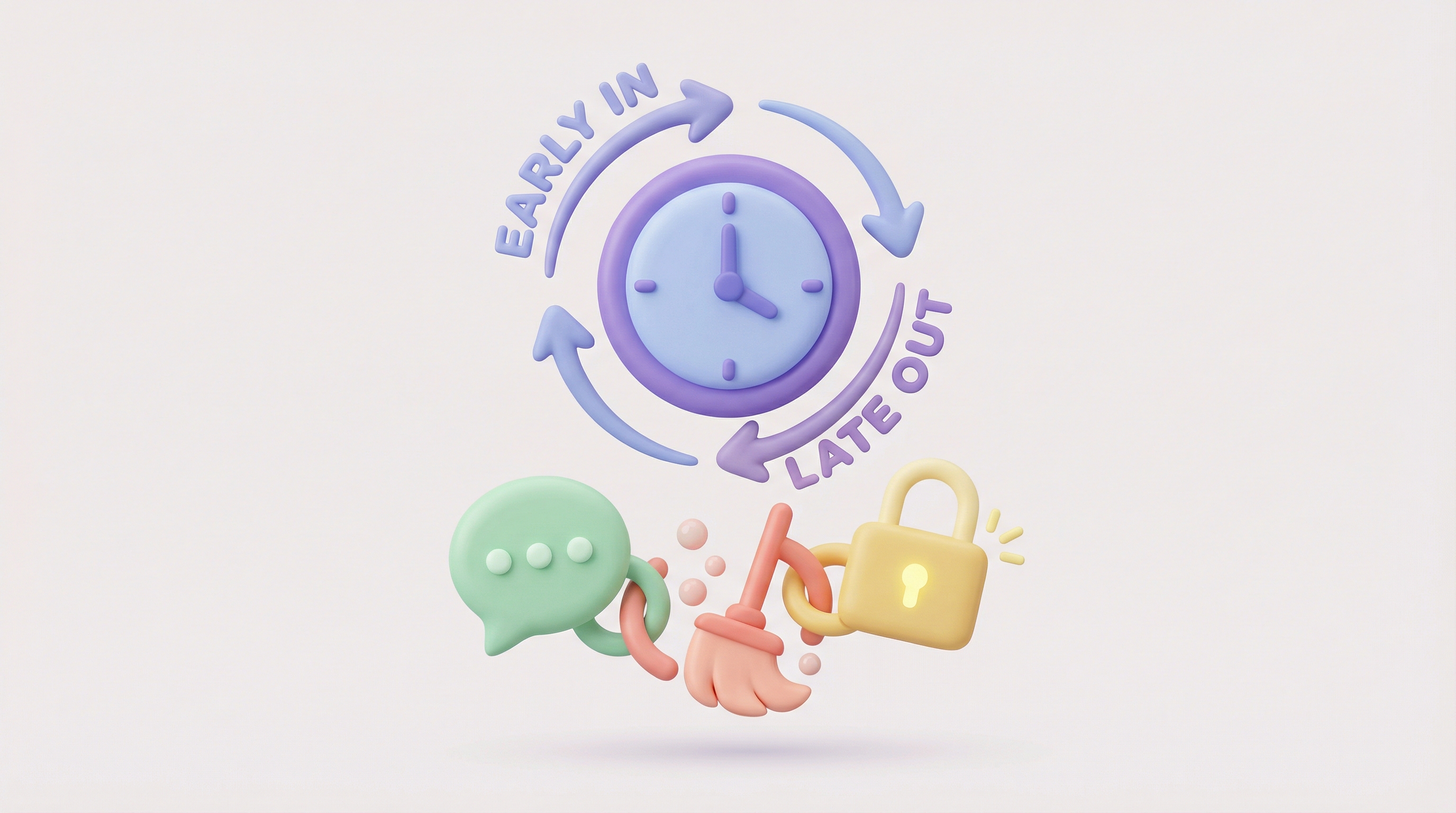
To automate Early Check-In (ECI) and Late Check-Out (LCO) without operational chaos, you must integrate your guest messaging, cleaning scheduling, and smart locks into a single workflow. The process requires a platform like SuiteOp to 1) validate availability in real-time, 2) collect payment instantly via a guest portal, 3) automatically shift the cleaning task in the scheduler (SuiteKeeper), and 4) extend the smart lock PIN validity (SuiteConnect) without human intervention.
The Problem: The "Freebie Trap" and the "Cleaner Clash"
Most Operations Managers treat early check-ins and late check-outs as a necessary evil. You want the extra revenue, but the logistics often cost more than the $30 or $50 upsell fee. You end up playing "Calendar Tetris," manually cross-referencing cleaning schedules with reservation gaps to see if an extension is even possible.
This manual friction leads to two expensive outcomes:
- The Freebie Trap: You give the extra hours away for free because the administrative cost of creating a manual payment link and updating the cleaner is too high.
- The Cleaner Clash: You take the payment but forget to update the housekeeping schedule. The cleaner arrives at 11:00 AM, walks in on a guest who paid to stay until 2:00 PM, and you receive a scathing 1-star review.
According to 2025 industry benchmarks, automated ancillary upsells can boost RevPAR by up to 15% without increasing customer acquisition costs. However, capturing this revenue requires a "Zero-Touch" Standard Operating Procedure (SOP). Here is how to build it.
Prerequisites for Automation
Before you implement this workflow, ensure you have the following in place:
- Integrated Tech Stack: A PMS alone is rarely enough. You need an operations platform that connects guest experience to field operations.
- Smart Locks: WiFi-connected locks (Yale, Schlage, August) that support API-based code generation.
- Digital Guest Guidebook: A web-based portal where guests can interact with your property services.
Step 1: Proactive Offers via SuitePortal
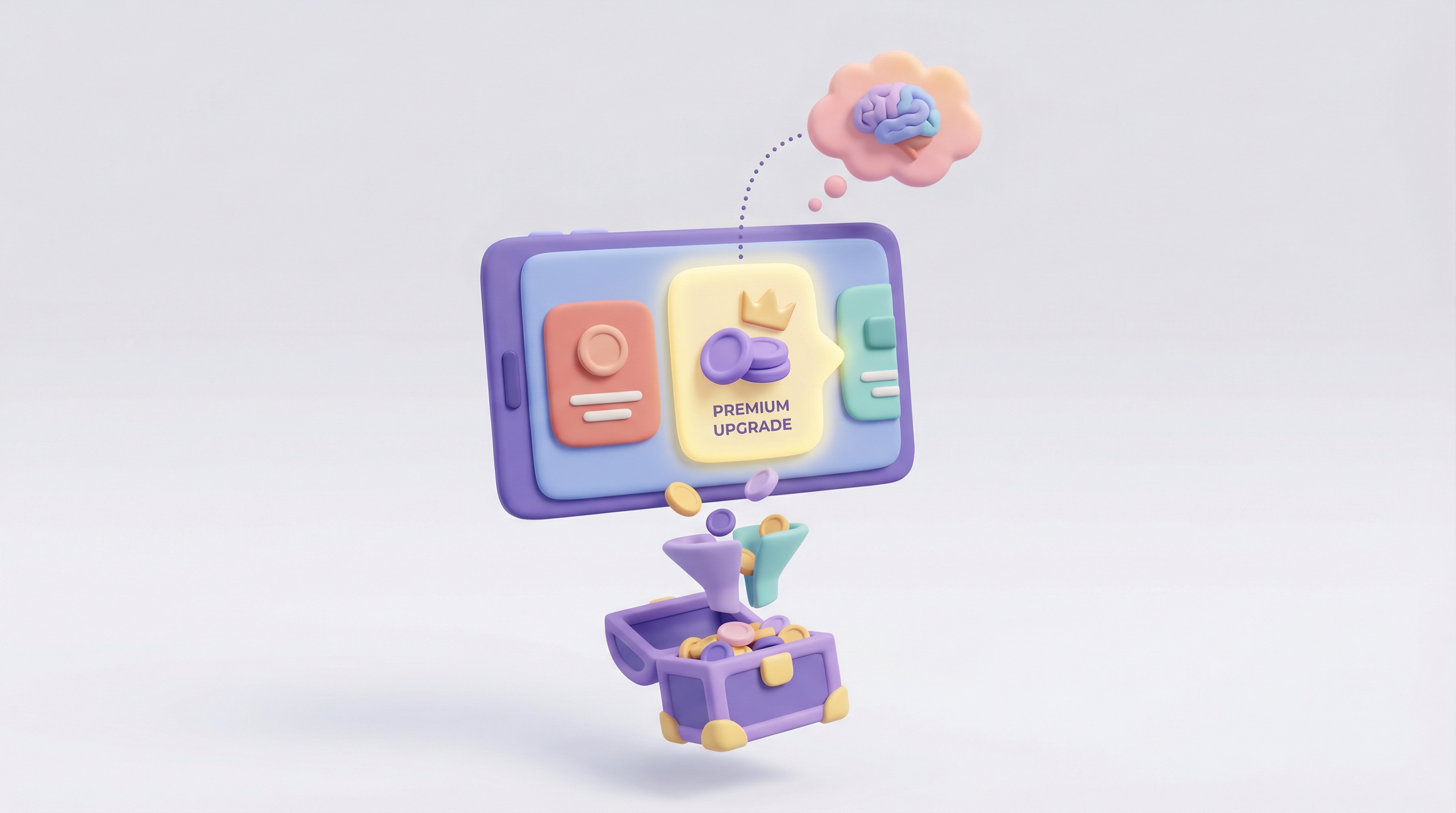
Stop waiting for guests to text you asking for favors. You should treat flexibility as a product on a shelf. In your SuitePortal guest guidebook or pre-arrival flow, configure an automated upsell module.
The Workflow:
- Set your standard rates for ECI and LCO (e.g., $20/hour).
- Configure the "buffer" rules. The system checks your calendar in real-time. If there is a back-to-back booking, the option is automatically hidden from the guest.
- The guest selects their desired time and pays instantly via the portal using Apple Pay or a credit card.
Pro-Tip: Send an automated message 24 hours before check-out with a direct link to the LCO purchase page. This captures impulse buyers who are dreading an early morning flight.
Step 2: The Ops Sync (Updating the Cleaner)
This is the most critical step. If the cleaning schedule does not update automatically, your automation has failed. Using SuiteKeeper, we eliminate the need to text your housekeeping team.
How it works under the hood:
- Trigger: Guest purchases a 2:00 PM Late Check-Out.
- Action: SuiteOp intercepts the transaction data.
- Result: The "Checkout Clean" task in SuiteKeeper is automatically rescheduled. The "Start Time" shifts from 11:00 AM to 2:00 PM.
- Notification: Your cleaner receives a push notification on their mobile app: "Task Update: Clean at Unit 4B pushed to 14:00."
This happens instantly. No phone calls. No missed texts. No awkward run-ins.
Step 3: The Access Sync (Updating the Smart Lock)
A guest paying for a late check-out is useless if their door code stops working at the standard checkout time. This "Access Glitch" is a common cause of guest panic.
Your automation must extend the validity of the unique PIN credential. Through SuiteConnect, this logic is handled in the background:
- The system identifies the active lock code for that specific reservation.
- It sends a command to the smart lock hub via API.
- The code's expiration timestamp is overwritten from 11:00 AM to the new purchased time (e.g., 2:00 PM).
Comparison: Manual vs. Automated Workflow
Here is the difference in operational load between the two methods.
TaskManual ProcessSuiteOp ProcessAvailability CheckManager manually checks calendar for gaps.System auto-detects vacancies and buffers.Payment CollectionSend Stripe link via email. Wait for payment.Instant payment inside the Guest Portal.Cleaning UpdateText cleaner. Hope they reply.Task auto-rescheduled in SuiteKeeper app.Lock AccessManually edit code in lock dashboard.SuiteConnect auto-extends PIN validity.Staff Time Required15-20 Minutes per guest.0 Minutes.
Step 4: Revenue Reconciliation
Finally, ensure these funds land in the right bucket. Because the transaction happens within the operational platform, you can tag these line items specifically as "Ancillary Revenue" rather than "Rental Income." This distinction is vital for accurate Owner Statements if you manage properties for third parties. You keep the fee, the owner gets the clean property.
Summary of the Stack
To execute this without human error, you need three components talking to each other:
- SuitePortal: The storefront (Guest buys the time).
- SuiteKeeper: The logistics (Cleaner gets the new time).
- SuiteConnect: The keys (Lock accepts the new time).
Stop Being the Middleman
Your time is too valuable to be spent negotiating checkout times for $30. Implement a system that handles the sale, the schedule, and the security automatically.
Ready to turn flexibility into profit? Book a demo with the SuiteOp team today and see the automation in action.